The Lumination Lab
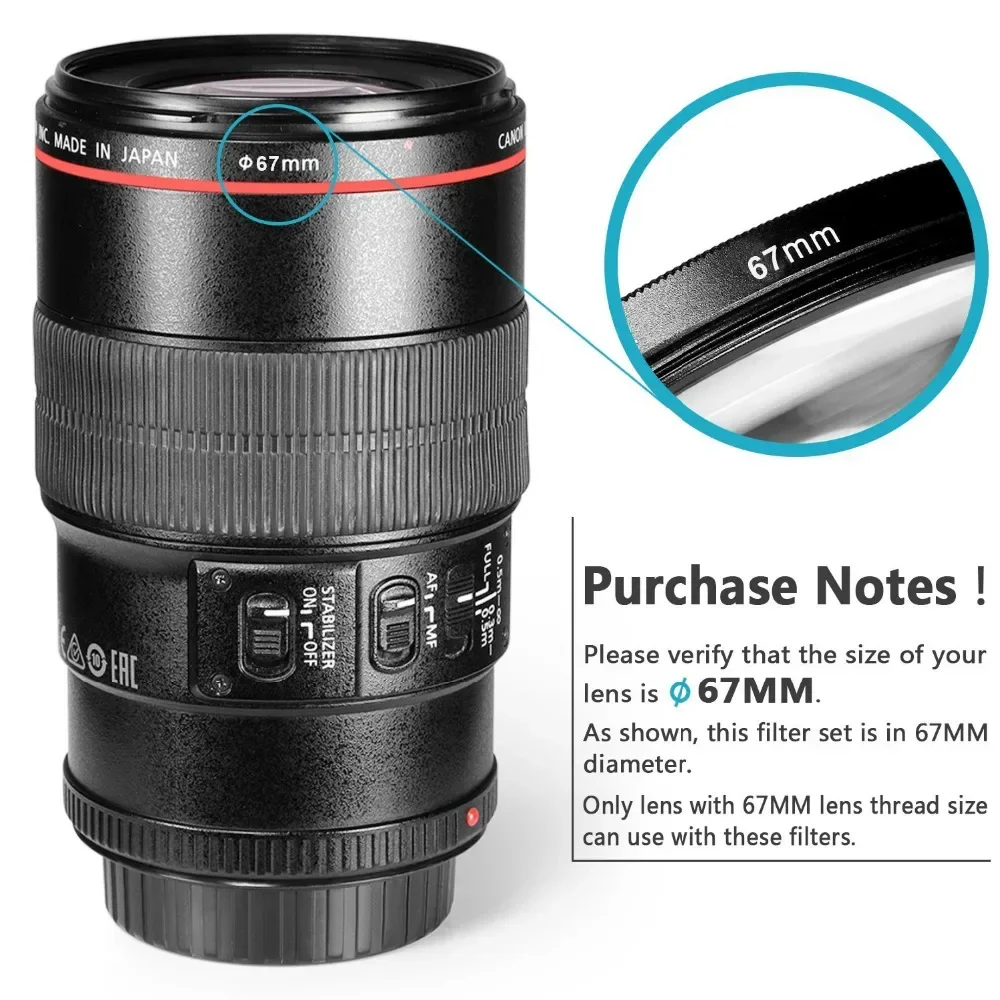
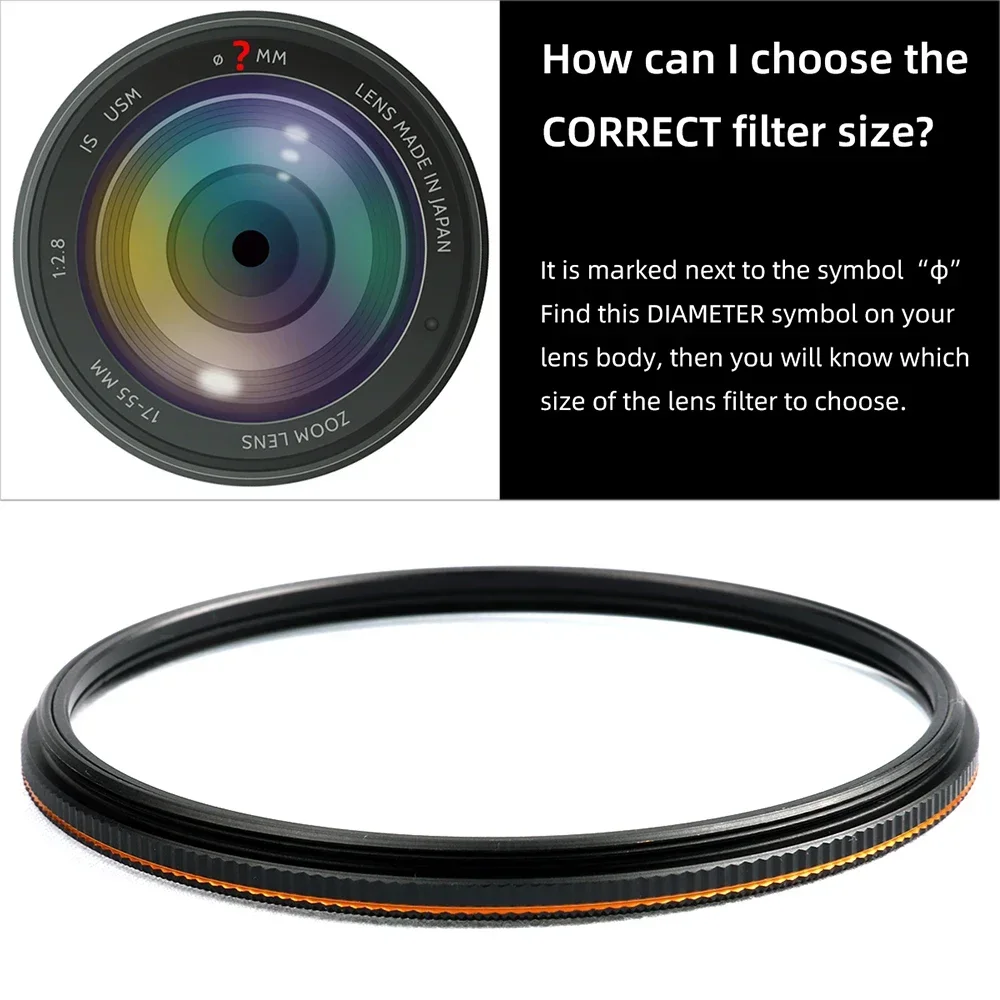
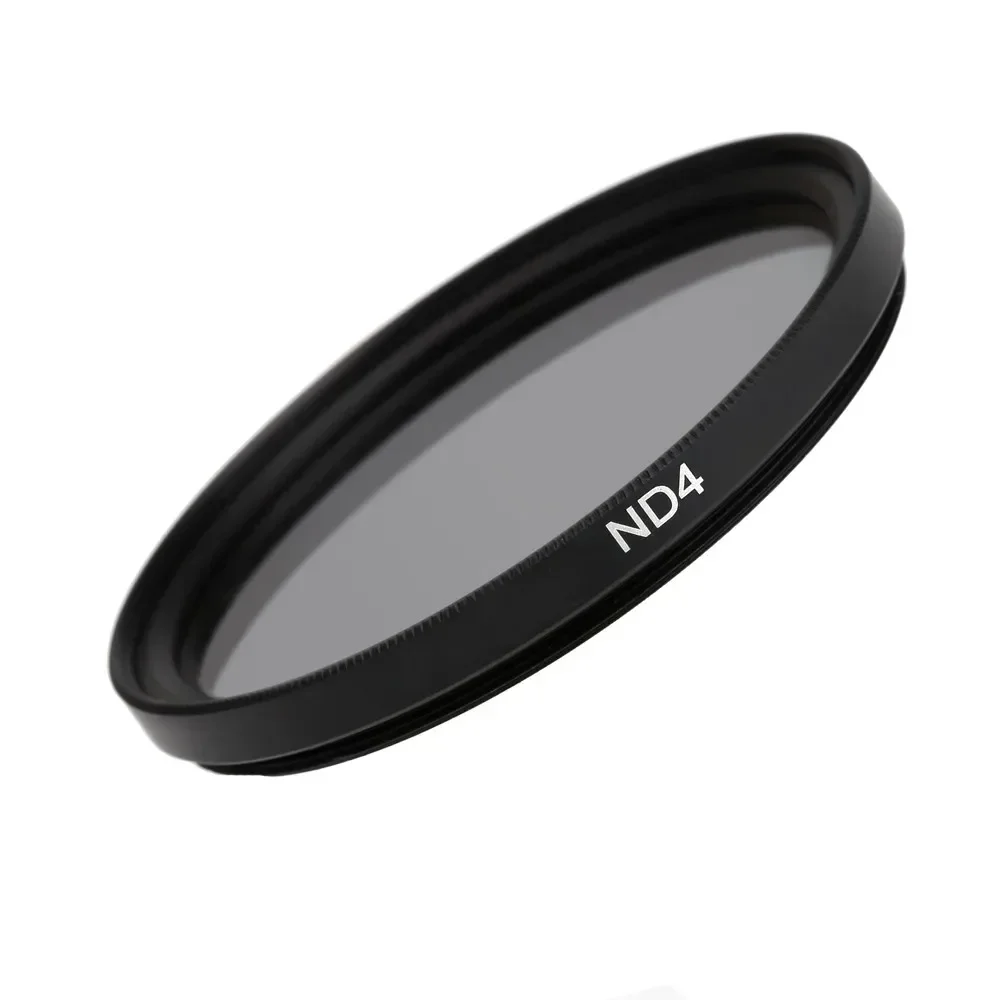
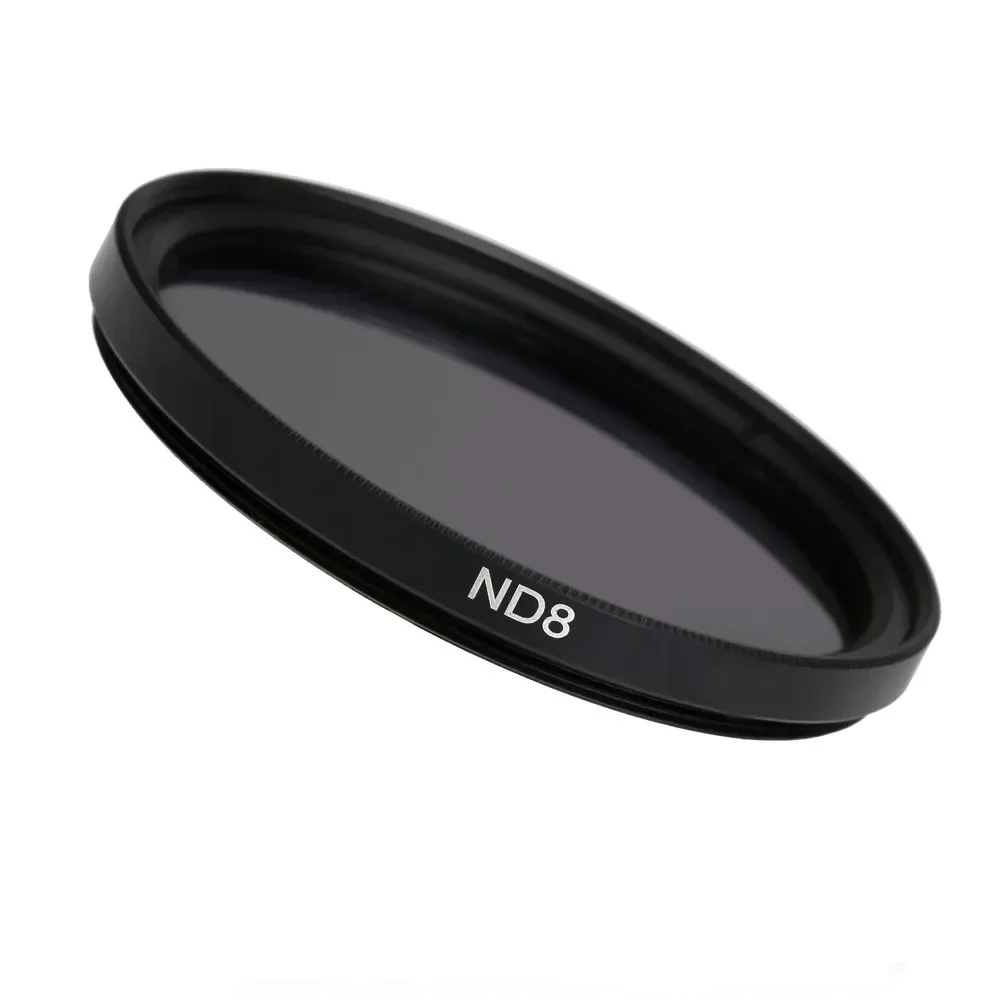
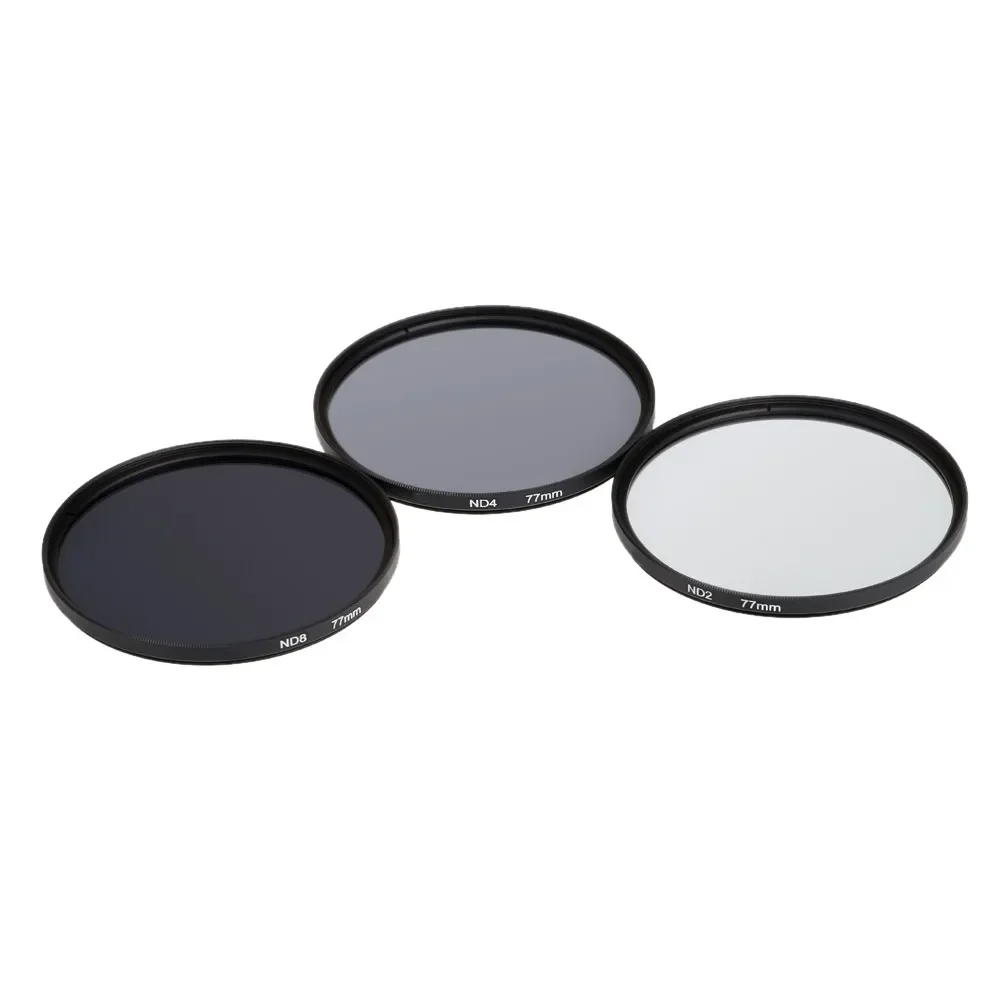
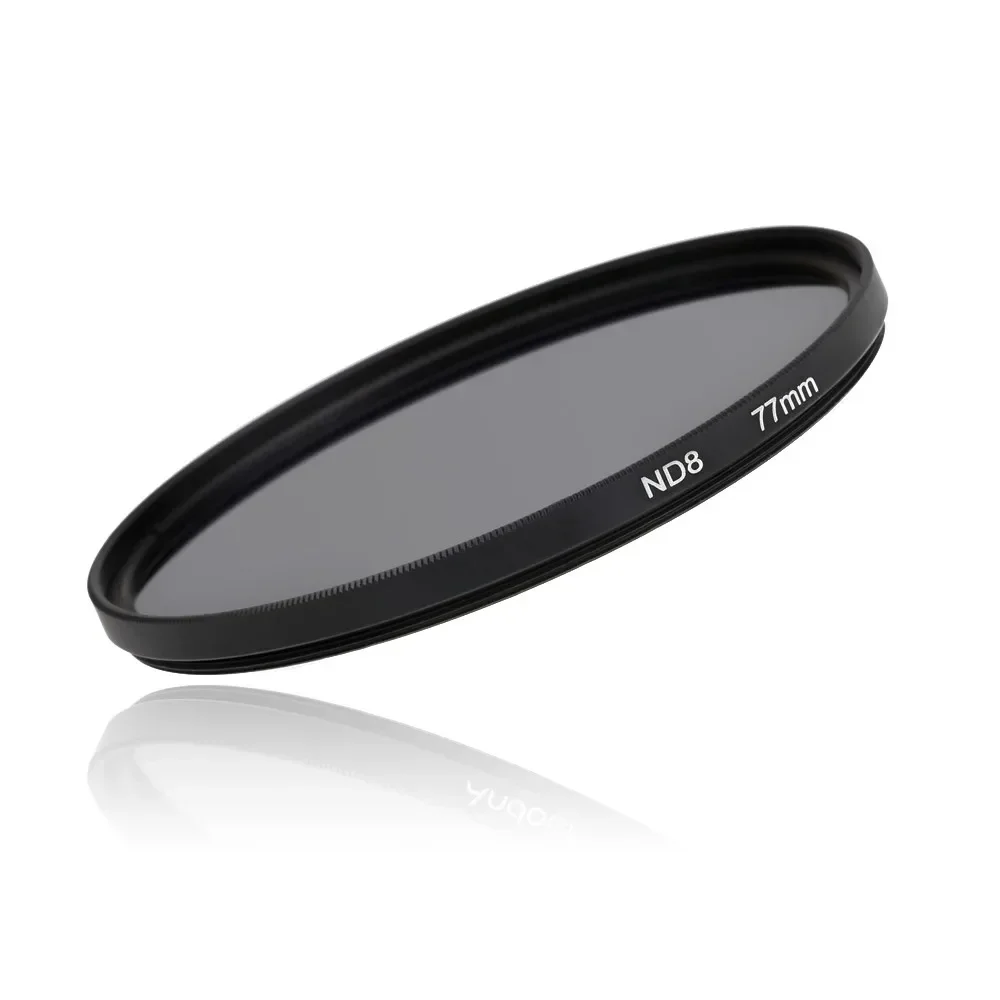
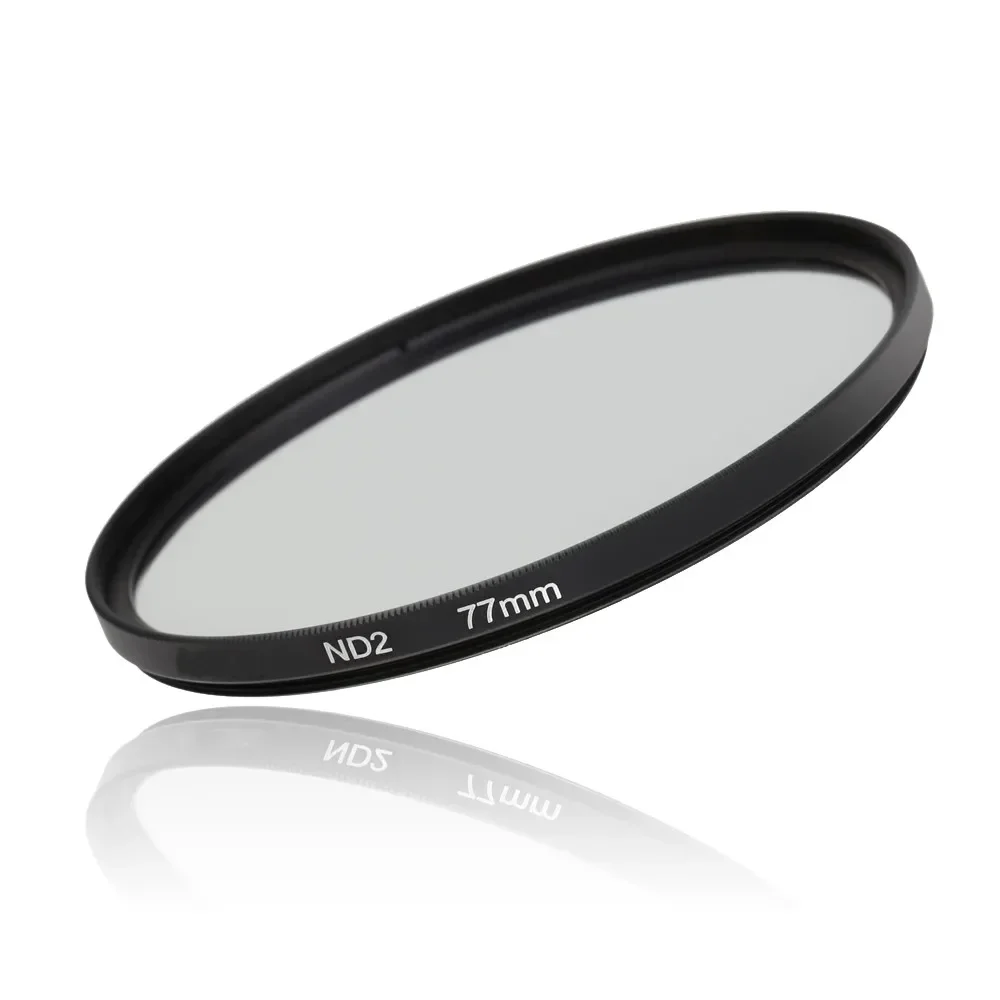
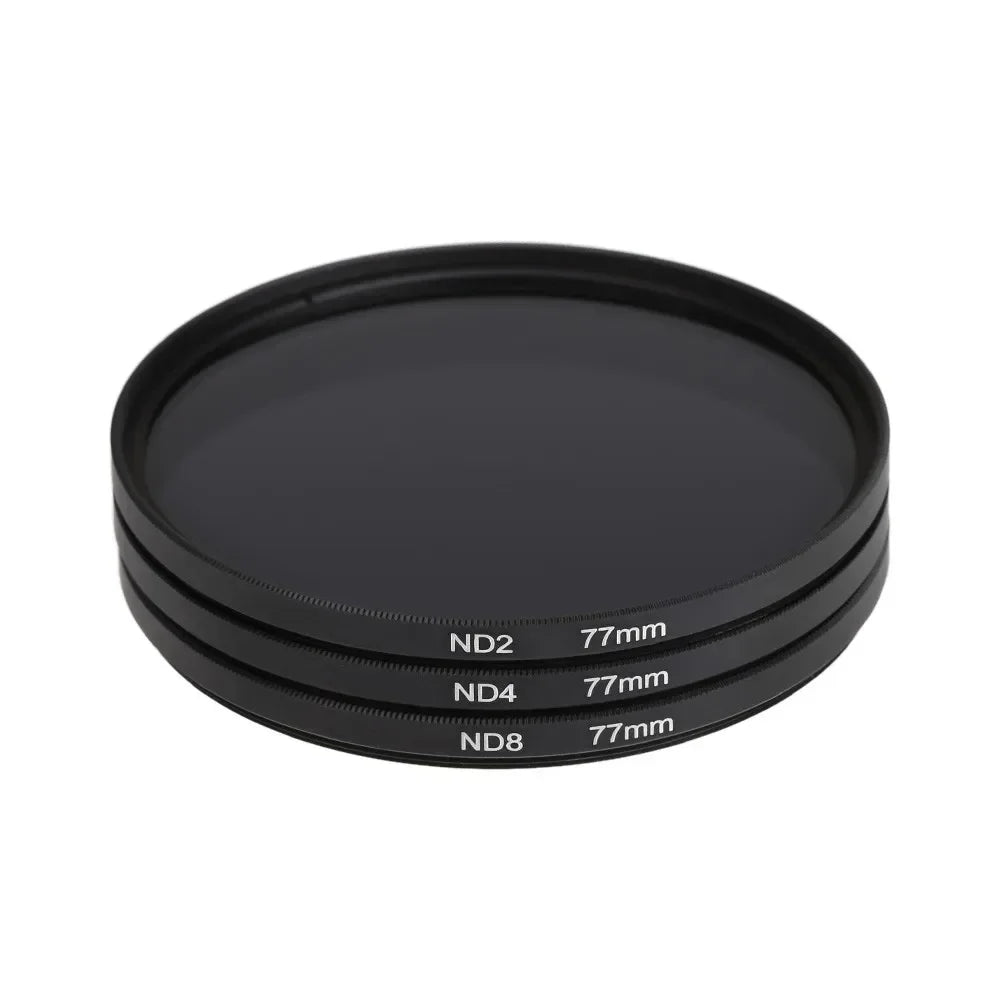
Lightdow ND2 ND4 ND8 Filter Neutral Density 3 in 1 Lens Kit 49 52 55 58 62 67 72 77 82mm for Canon Nikon Sony Camera Waterproof
Lightdow ND2 ND4 ND8 Filter Neutral Density 3 in 1 Lens Kit 49 52 55 58 62 67 72 77 82mm for Canon Nikon Sony Camera Waterproof
Regular price
$16.99 USD
Regular price
$0.00 USD
Sale price
$16.99 USD
Shipping calculated at checkout.
Quantity
Couldn't load pickup availability
SPECIFICATIONS
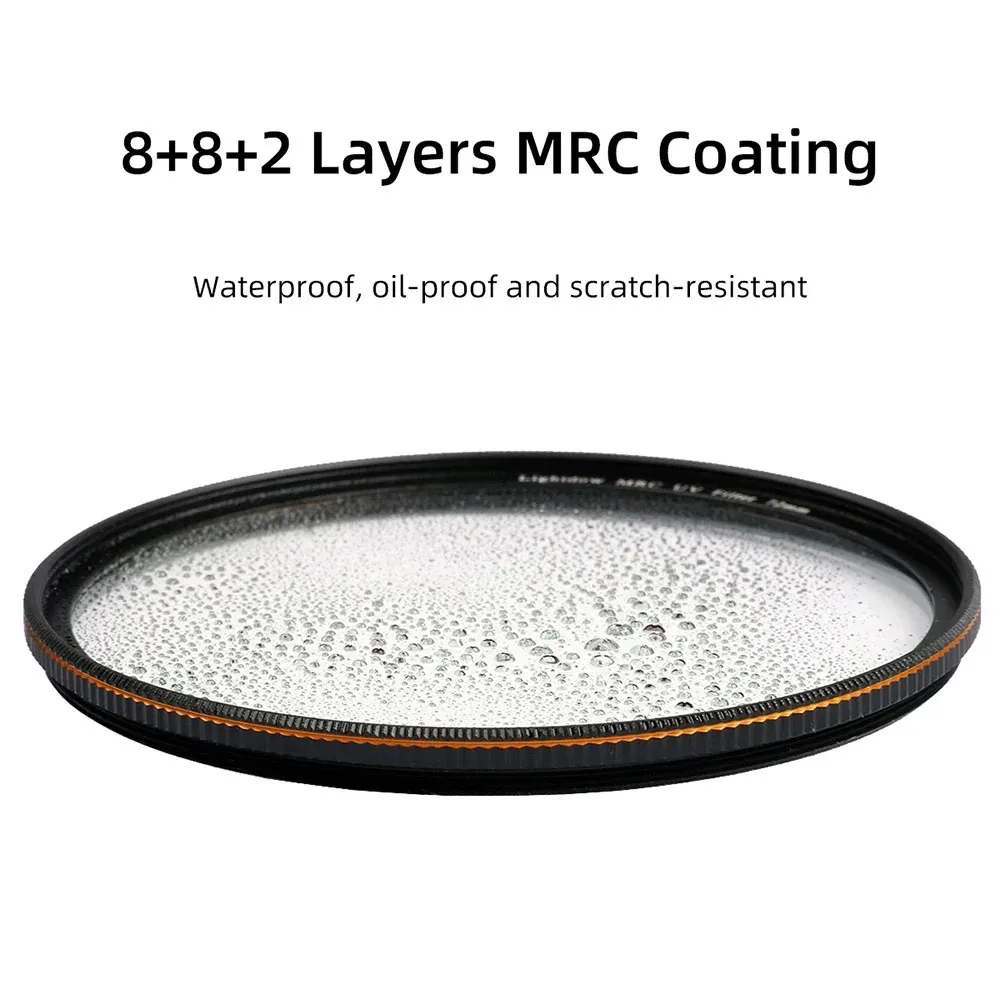
Feature1: waterproof
Feature2: oil-proof
Feature3: scratch-resistant
Feature4: 8+8+2 Layers MRC Coating
High-concerned chemical: None
Model Number: ND2 ND4 ND8 Lens Filter Kit Set
Package: Yes
Type: ND Filter
Lightdow ND2 ND4 ND8 3in1 Lens Filter Kit Set 49-82MM for Nikon Sony Pentax Canon Camera
ND filter have four main uses:
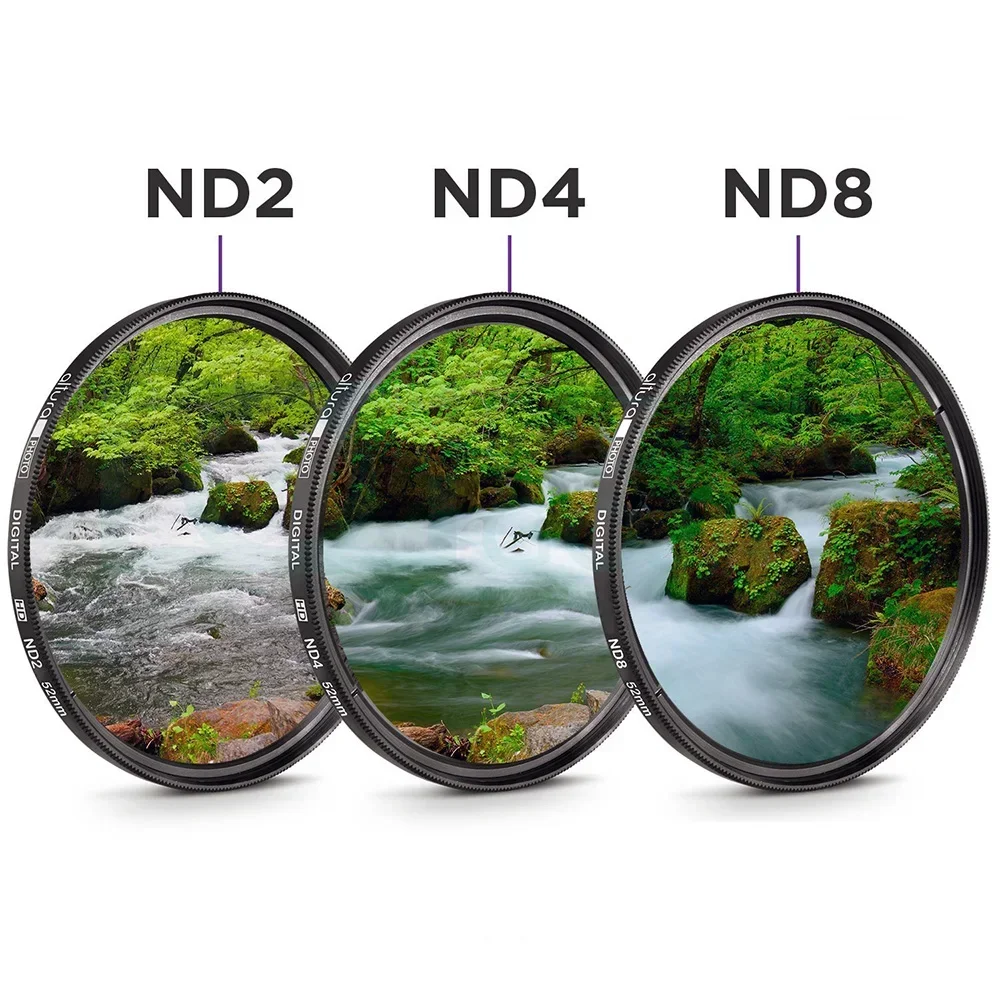
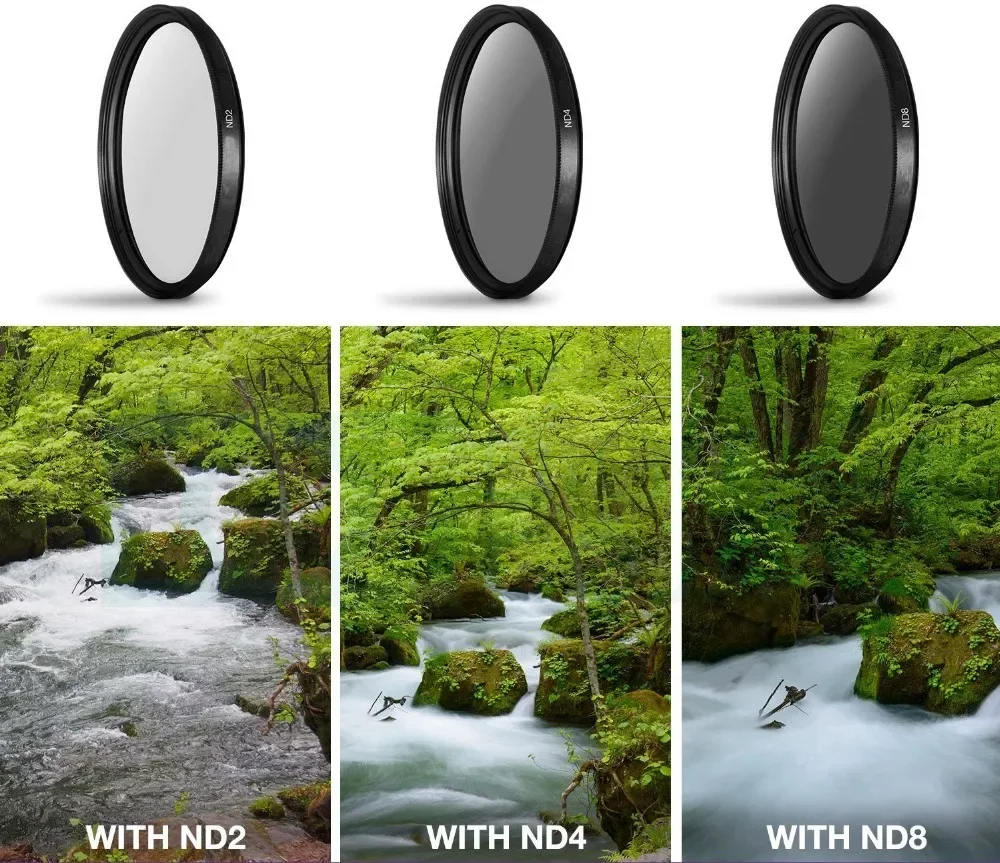
To enable slow shutter speeds to be used, especially with fast films, to record movement in subjects such as waterfalls, clouds, cars, seas, etc.
To decrease depth of field by allowing wider apertures to be used, which helps separate subjects from their background.
To decrease the effective ISO of high speed film (i.e.: above ISO400) and allow it to be used outdoors in blight situations.
To allow cine and video cameras (which have fixed shutter speeds) to film subjects such as snow, sand or other bright scenes which would normally cause over-exposure.
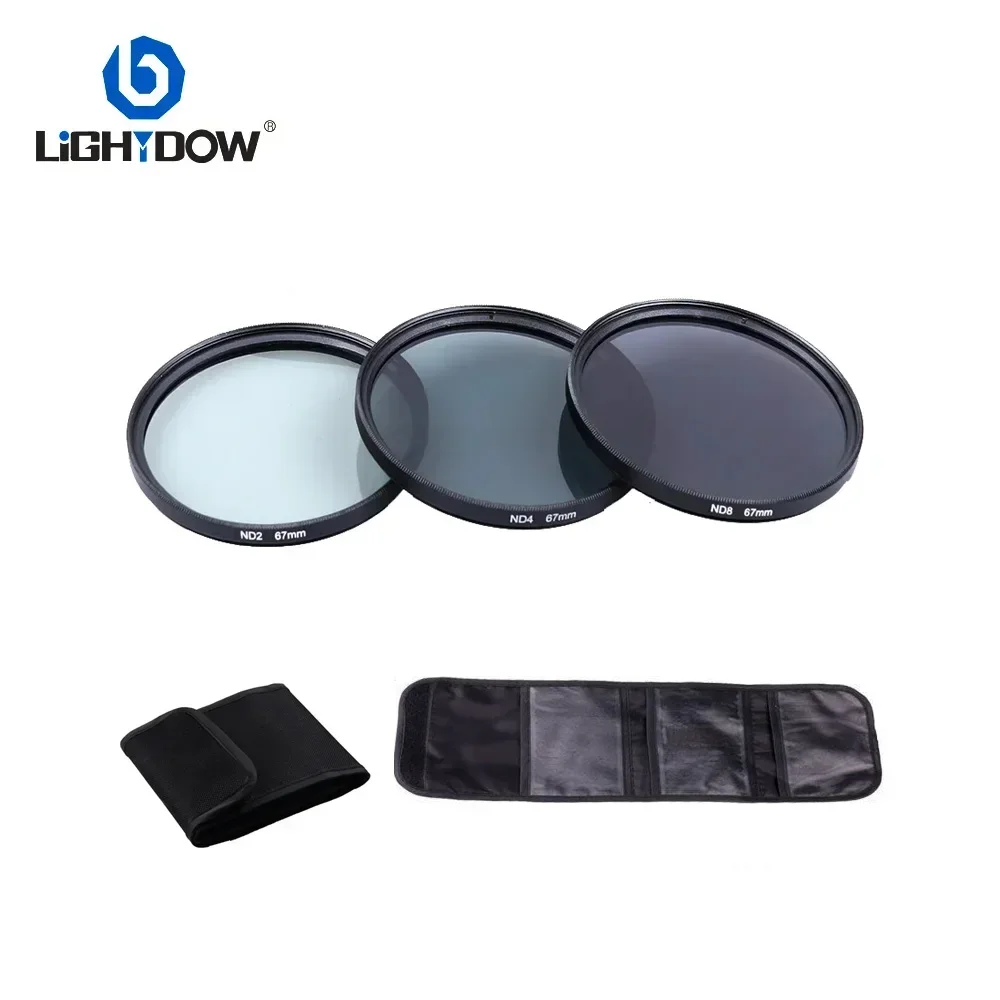
Package including:
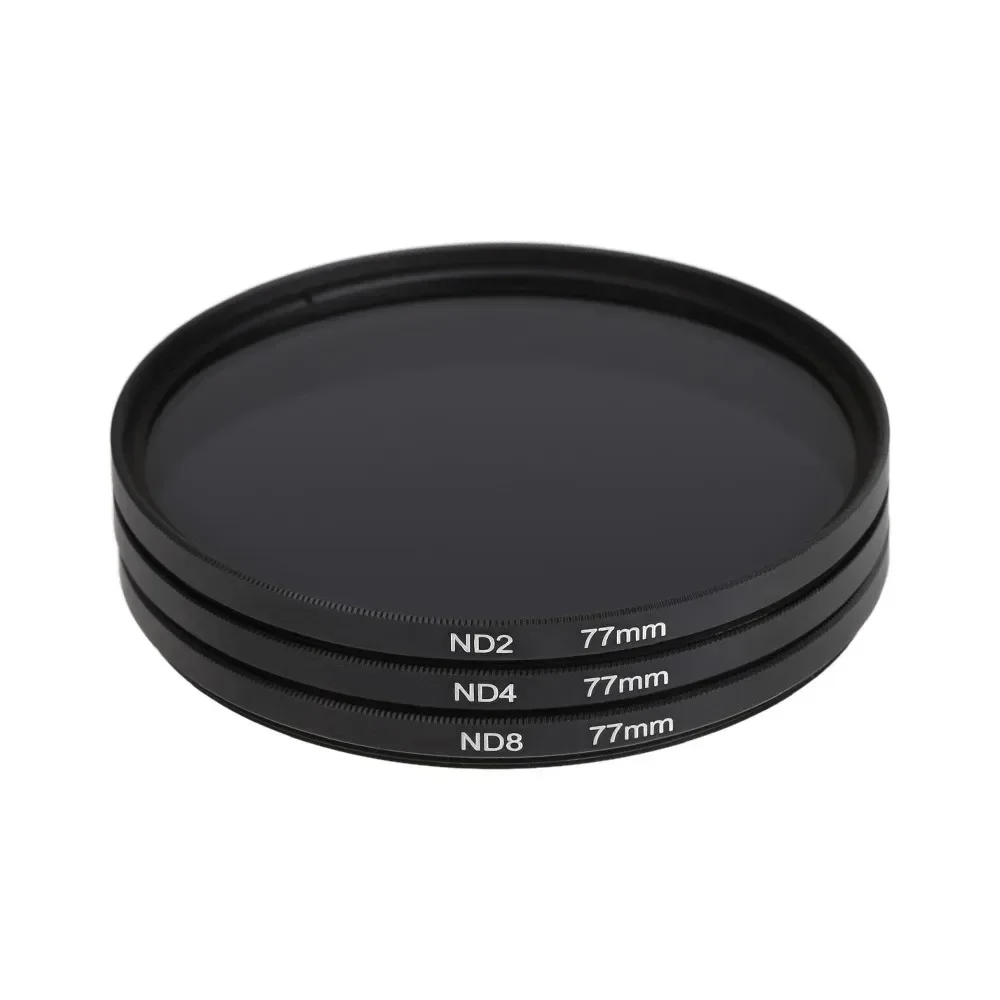
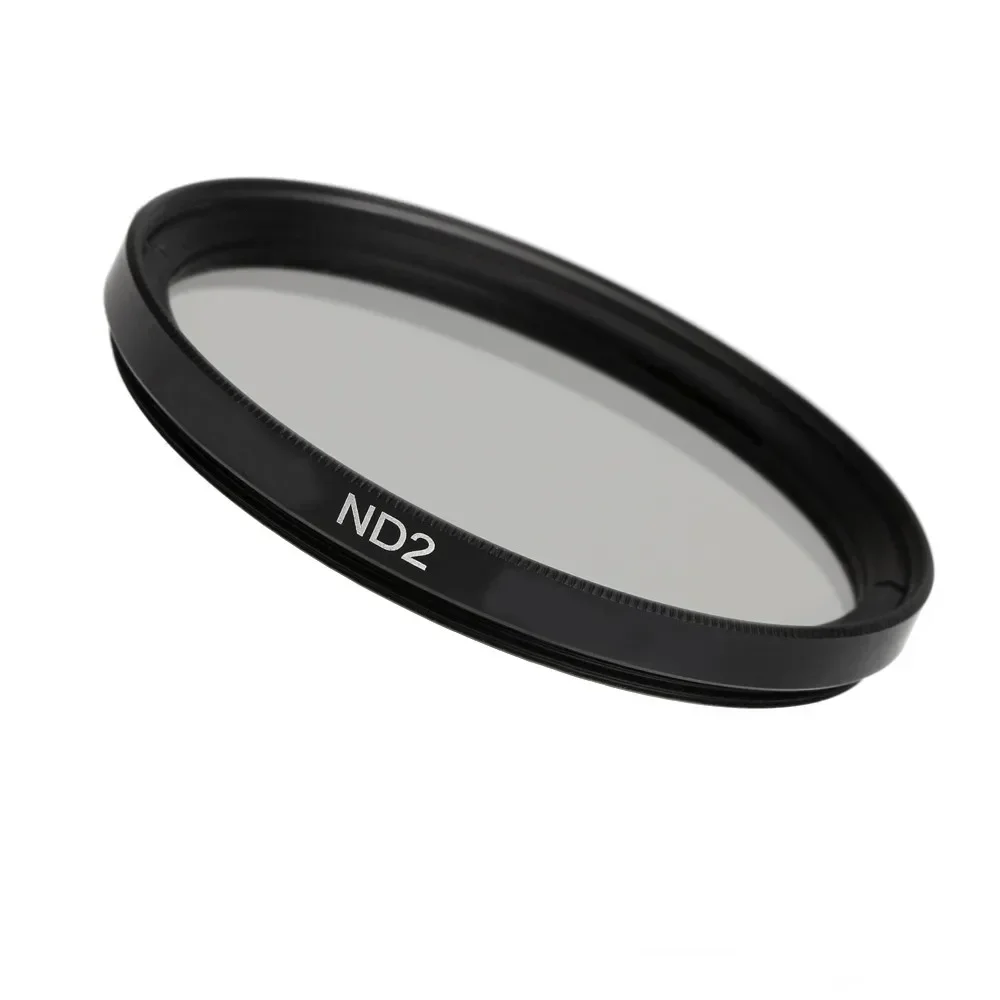
ND2 Filter x 1
ND4 Filter x 1
ND8 Filter x 1
Original Box x 1
Instructions for use
1. Choose the appropriate ND filter: Choose the appropriate ND filter based on the light intensity of the scene and the desired exposure effect. The number after ND represents the level at which the filter reduces light. For example, ND2 reduces light by 1 gear, ND4 reduces light by 2 gears, and ND8 reduces light by 3 gears.
2. Install filters: Ensure to select filters that match the lens aperture. Install the filter correctly at the front of the lens and ensure that it is flat and free of dust or stains.
3. Adjust exposure settings: As the ND filter reduces the amount of light entering the lens, you need to adjust the camera's exposure settings accordingly. This usually means that you need to use a slower shutter speed or a larger aperture (depending on your creative intention).
4. Manual focusing: In some cases, after installing the ND filter, the camera may find it difficult to autofocus due to dim light. In this case, it is recommended to focus first and then install the ND filter.
5. Exposure compensation: After using ND filters, you may need to adjust the exposure compensation to ensure that the image is exposed correctly.
Here are some specific usage tips:
Using an ND lens to extend exposure time: In areas with strong light, if you want to use a large aperture for shooting, you can add an ND lens to extend the shooting time, such as shooting foggy flowing water.
Using ND mirrors for slow shutter photography: ND mirrors can be used in situations that require manual use of slow shutter speeds or reducing external light, such as capturing moving clouds or stationary water surfaces.
Exposure parameter calculation: For example, if you are using an ND8 filter, it can reduce exposure by 3 levels. If the shutter speed was originally 1/500 second without the use of a filter, then with the addition of an ND8 filter, you should use a shutter speed of 1/60 second.
Please remember that when using ND filters, it may be necessary to conduct some experiments based on the actual situation to find the optimal exposure setting. In addition, due to the ND filter reducing the amount of light entering the lens, it may be necessary to use a tripod to stabilize the camera, especially when using slower shutter speeds.